

The Waldo blog

Hybrid work, made simple

Tips, guides and comparisons to help you run your offices, remote work and car park from one place: Microsoft Teams. New to Waldo? Watch the full demo in 2 minutes.

What we write about

Flex office guides for your hybrid office

The Waldo blog covers what changes when your teams split their week between home and the office: hybrid work, desk sharing, flex office, parking, and how to run it all in Microsoft Teams.

Looking for the product? See our desk booking software, parking booking solution and pricing.

Latest articles

Hybrid work and desk sharing: quick answers

What is hybrid work?

Hybrid work means employees split their week between the office and remote work, usually from home. It runs smoothly when everyone knows who's coming and when, rather than tracking it in a shared spreadsheet: read why it's time to get rid of WFH Excel spreadsheets.

What is desk sharing?

Desk sharing means employees don't have an assigned desk: they use a shared desk, usually booked in advance. It makes better use of office space, but without a booking system people can arrive at a full office. Read the highs and lows of desk sharing.

How do you stay productive in a flex office?

Give people clear rules and the right spaces: quiet and loud zones, a desk close to their team, and a reliable way to book desks and parking. See our tips for staying productive in a flex office.

How do you manage desk booking in Microsoft Teams?

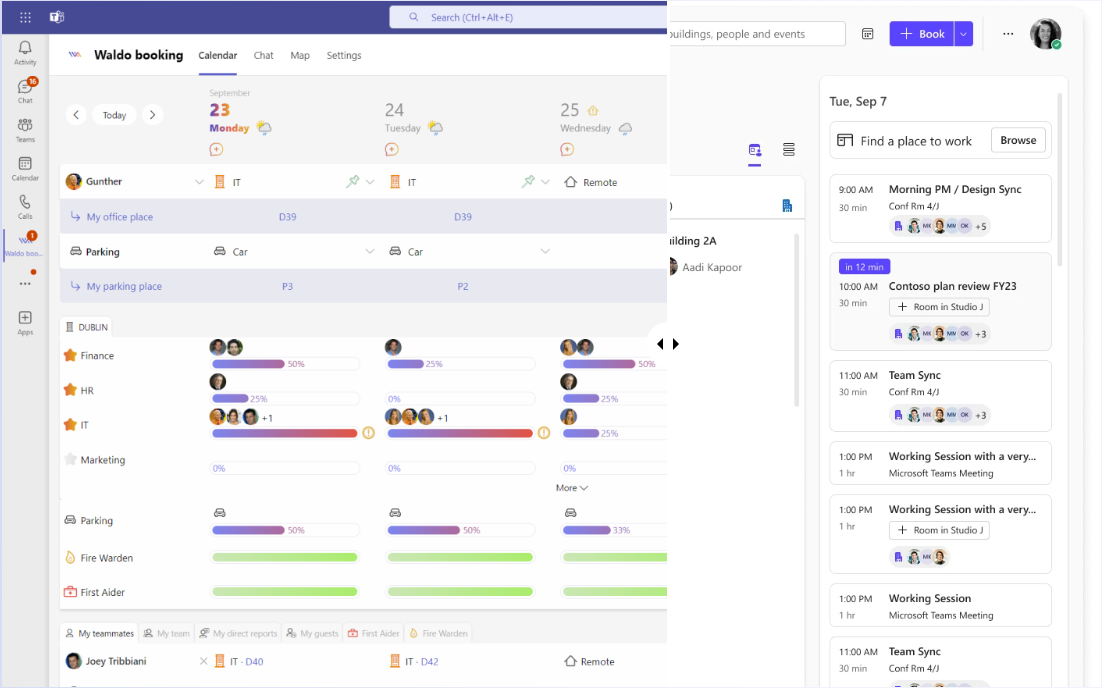
The simplest way is a desk booking app that runs inside Microsoft Teams, such as Waldo: employees declare their office days and book a desk or parking space without leaving Teams. Compare the options in Microsoft Places vs Waldo.

Ready to make hybrid work feel easy?

Get a personalised 45-minute demo, or install the free version in Microsoft Teams in two minutes.

Try free Book a demo