Microsoft Places vs Waldo: the complete comparison
Microsoft Places or Waldo? Licensing, pricing, desk and parking booking, APIs and Microsoft 365 integration compared side by side.

Parking
When people arrive at work, they want to get to work, not hunt for a parking space. Here is how a parking reservation app in Microsoft Teams makes the daily commute smoother.

When offices reopened after the COVID-19 lockdowns, in places like the US, the UK and Canada, one question came up on the very first morning: where do I park? It is still true in every hybrid office.
Most businesses have nothing in place for monitoring parking occupancy or managing parking reservations. The result: delays, employees competing for spots, sometimes even traffic jams in the car park. A parking reservation solution like Waldo solves this before anyone leaves home.
There is nothing worse than travelling all the way to the office only to find there are no good spaces left, or no spaces at all. Time is wasted searching, followed by an awkward visit to the reception desk.
With Waldo, businesses create a map of their car park and choose which spots can be booked. Employees see availability in advance and reserve a space suited to their needs. For example:
We've planned for that. With Waldo, you can create a backup pool of parking spaces. If someone arrives and finds their space taken, they simply message Waldo and it automatically finds them a backup spot. Crisis averted.
Adopting Waldo is easy. Waldo is an AI bot that employees chat with, and it installs itself as a Microsoft Teams application:
Waldo appears in Microsoft Teams on desktop, web and mobile, so employees can get help with parking (and desk booking) wherever they are, on any device.
Waldo is always on, but mornings are where it shines. No need to book a space manually every day: Waldo learns each employee's desk and parking preferences over time.
For employee parking management, Waldo connects to existing equipment and shares data to make sure there is enough space.
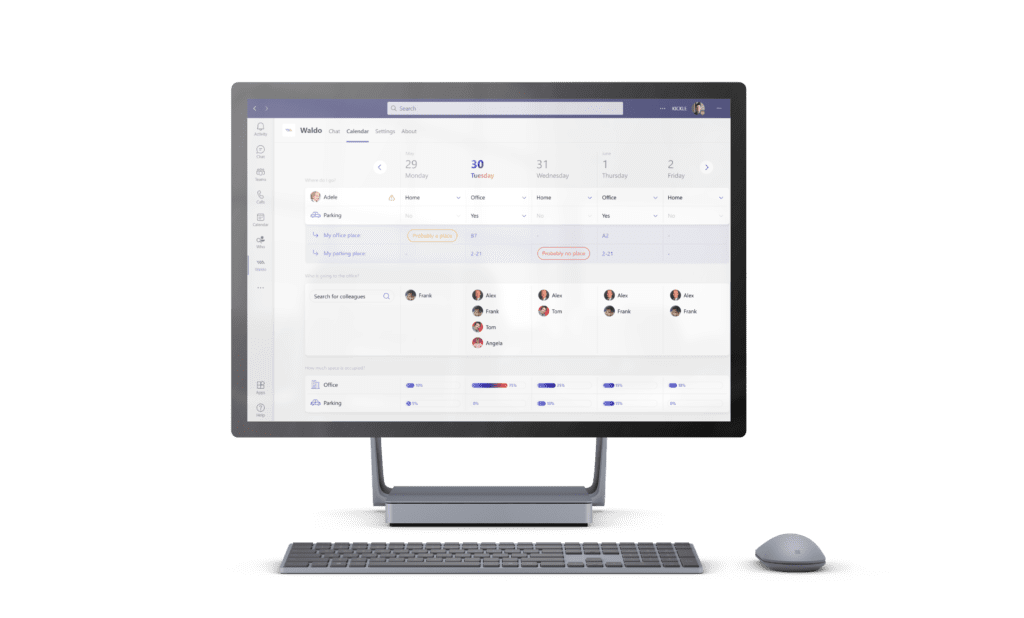
Waldo monitors capacity and utilisation so commuters can focus on the journey, not on where to park. In short, it is your flex office solution for desk and parking reservations.
Take Waldo for a spin: the free version lets everyone declare where they work and shows desk and parking occupancy and where your teammates are, and the complete version adds desk and parking booking, with a guaranteed space for everyone. Want to see every parking option, from EV to two-wheel spaces? Book a demo.
Your facilities team maps the car park and chooses which spaces can be booked; employees then reserve a space in Microsoft Teams, or Waldo books it for them based on their habits.
Message Waldo in Microsoft Teams and it automatically assigns you a space from the backup pool your company has set up.
Yes. You can designate electric-only spaces, reduced-mobility spaces and two-wheel spaces so the right people get the right spot. See parking management.
Yes. Badge systems with NFC sensors can confirm check-in automatically when an employee scans their badge. Talk to our team via the contact page about your equipment.
No. The free version shows parking and desk occupancy and where your teammates are. Parking and desk booking come with the complete version, at 30 € per user per year.
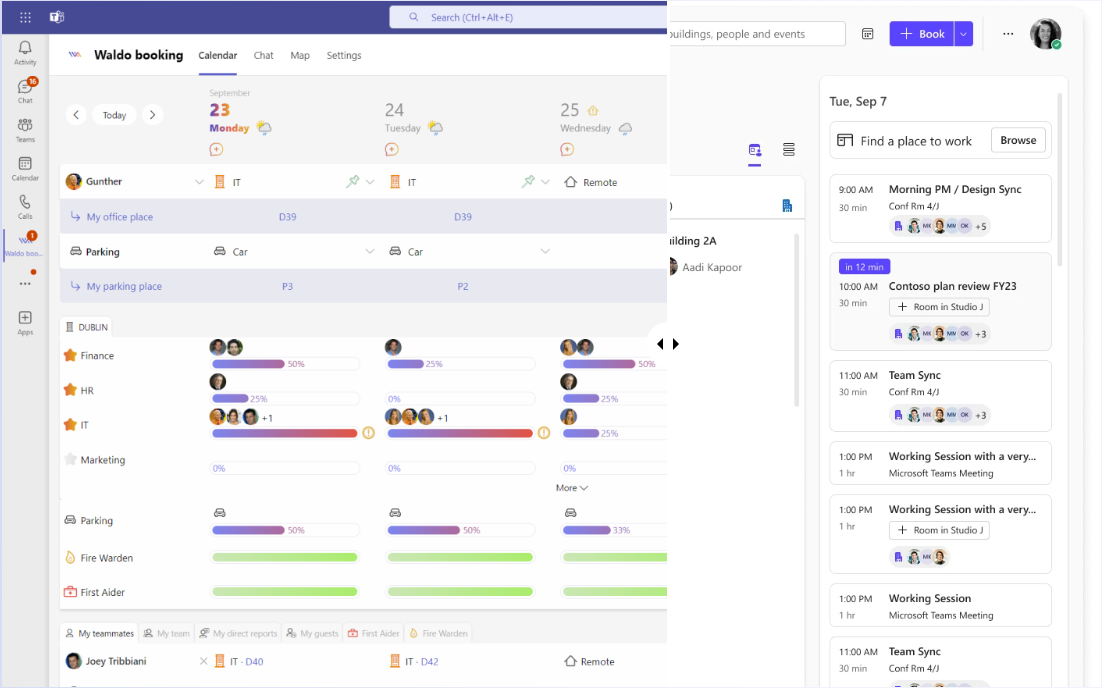
Microsoft Places or Waldo? Licensing, pricing, desk and parking booking, APIs and Microsoft 365 integration compared side by side.

Discover in a few minutes how Waldo makes your office truly flexible, right inside Microsoft Teams.
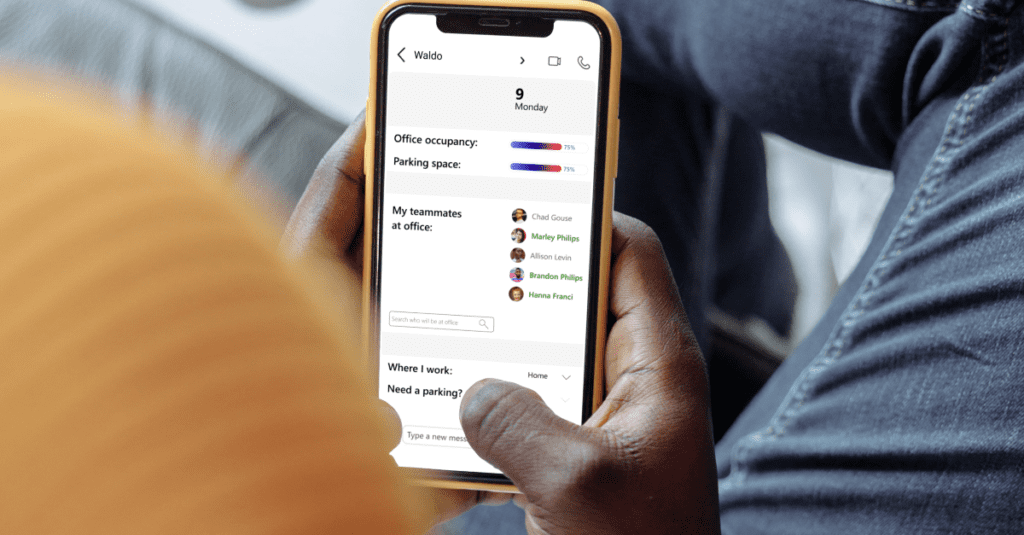
Swap your shared WFH spreadsheet for automatic policies: office day rules and maximum occupation per area, right in Microsoft Teams.
Get a personalised 45-minute demo, or install the free version in Microsoft Teams in two minutes.