Microsoft Places vs Waldo: the complete comparison
Microsoft Places or Waldo? Licensing, pricing, desk and parking booking, APIs and Microsoft 365 integration compared side by side.

Product
Discover in a few minutes how Waldo makes your office truly flexible, with desk and parking booking that happens right inside Microsoft Teams.
Waldo is a flex office solution for desk and parking booking, built for Microsoft Teams: you chat with it like a colleague, and it organises your office days for you. The video above gives you the full tour.
All of it runs on Microsoft Teams desktop, web, iOS and Android. For a deeper dive, browse all Waldo videos or explore the features overview.
The quickest way to understand Waldo is to use it. Add the free version to Microsoft Teams in a couple of minutes, or take the interactive tour. Prefer a guided walkthrough with your own floor plans? Book a demo with our team.
The full demo lasts just a few minutes and covers the core experience: booking, check-in, maps, waiting lists and admin policies.
No. Waldo is a Microsoft Teams app: you add it from the Teams store and use it in Teams desktop, web, iOS and Android, with your Microsoft 365 account.
Yes. Book a demo and our team will show you Waldo with your own floor plans and answer your questions.
Yes. Waldo has a free version forever, where everyone declares whether they work at the office, remotely or are absent. The complete version, with a guaranteed desk, parking and meeting rooms on the floor plan, costs 30 € per user per year. See pricing.
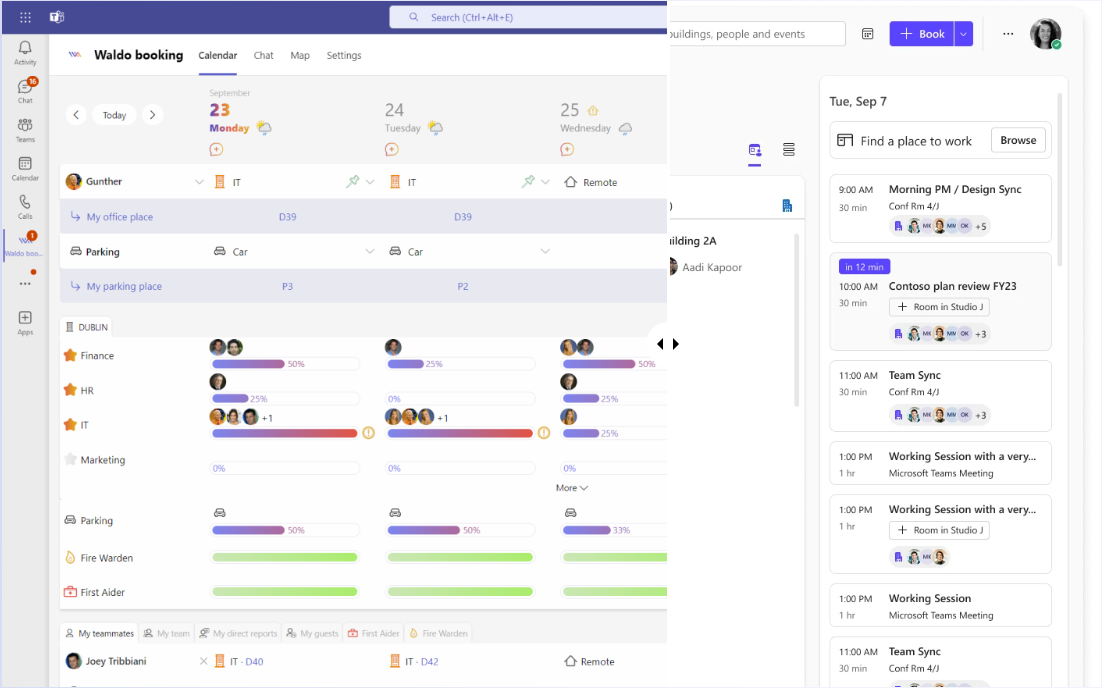
Microsoft Places or Waldo? Licensing, pricing, desk and parking booking, APIs and Microsoft 365 integration compared side by side.
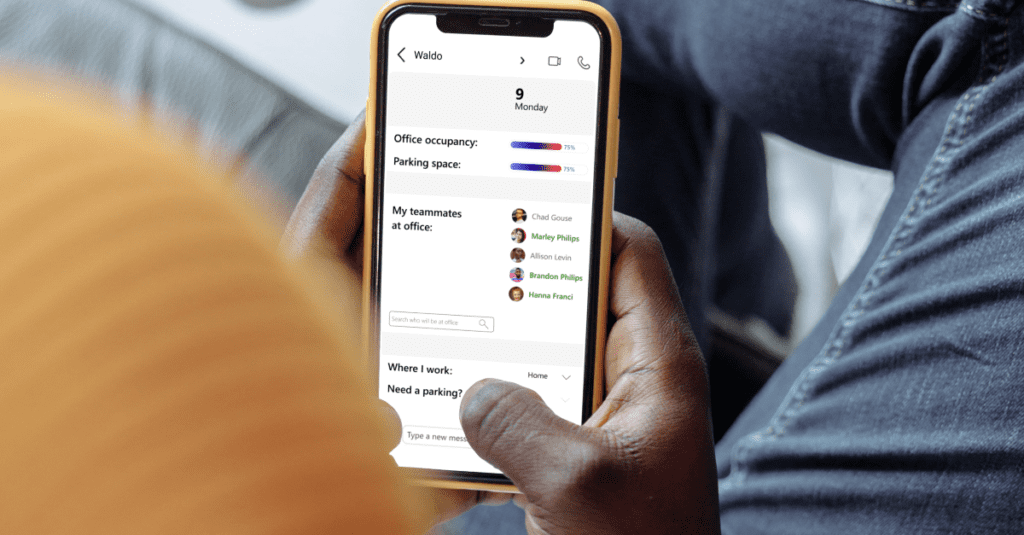
Swap your shared WFH spreadsheet for automatic policies: office day rules and maximum occupation per area, right in Microsoft Teams.

Most companies have nothing in place to manage parking. Here is how Waldo books spaces in Microsoft Teams and finds a backup when yours is taken.
Get a personalised 45-minute demo, or install the free version in Microsoft Teams in two minutes.