Microsoft Places vs Waldo: the complete comparison
Microsoft Places or Waldo? Licensing, pricing, desk and parking booking, APIs and Microsoft 365 integration compared side by side.

Remote work
Remote work spread fast during the COVID-19 crisis, sometimes faster than the rules. Here is an overview of the main legal questions around working from home in the US and Canada.

Note: this article is general information based on our research when it was first published in 2021. It is not legal advice, and laws change. Check with a qualified employment lawyer for your situation.
During the COVID-19 health crisis, many employees across the US and Canada started working from home (WFH), out of obligation or by choice, and the trend continued long after.
Studies published at the time were encouraging. A Stanford study by Nicholas Bloom found that productivity went up, not down, with a 13% increase. And in a survey of 2,000 people reported by Employee Benefits, 75% of respondents said they were happier overall working from home.
Unprecedented circumstances led to unprecedented action, and some rules were stretched in favour of flexibility. As remote work becomes a long-term arrangement, employers, employees and contractors should understand the legal framework around it.
In the US and Canada, employees generally do not have a right to work from home: it is up to the employer. There are, however, situations where employees can gain that right:
In short, employment contracts largely govern the possibility of working from home, with little else in the way of legislation.
According to our research, US employers have an obligation to provide IT and office equipment when employees do not have sufficient means at home. This can include computers, peripherals, telephony and, in some cases, broadband. Employers can buy and install the equipment at the employee's home, or provide an equipment allowance in the employment contract. Employees can also use bring-your-own-device (BYOD) policies where they exist.
In Canada, working from home during COVID was treated as an occupational health measure rather than a flexible work arrangement. Occupational health and safety (OHS) rules therefore apply, including equipment ergonomics, and employers must provide suitable equipment.
Section 125(1) of the OHS legislation covers "every work activity carried out by an employee in a work place that is not controlled by the employer, to the extent that the employer controls the activity", and paragraph (l) requires employers to "provide every person granted access to the work place by the employer with prescribed safety materials, equipment, devices and clothing".
In practice, the home office counts as a workplace when flexible working is in place, so the employer is responsible for providing computers, peripherals and telephony. Most provinces prohibit passing equipment costs on to employees. The cost of the home office space itself remains the employee's responsibility. As always, employment contracts can set formal arrangements that differ slightly from the law.
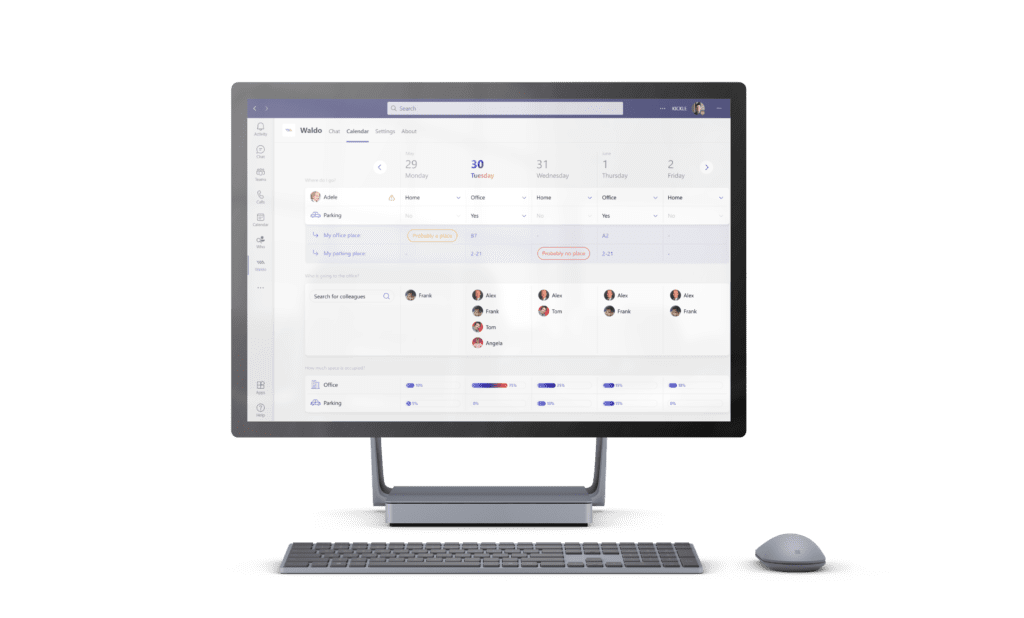
Once your remote work rules are clear, you still need to apply them day to day. Waldo, hybrid work software for Microsoft Teams, helps you do it: employees chat with Waldo to book desks and parking spaces, and see when teammates are in the office so they can join them. Admins can set work-from-home policies and office day limits that apply automatically.
Start with the free version, or book a demo to see how this flex office solution fits your hybrid work policy.
Generally no: in the US, working from home is the employer's decision. Exceptions can arise, for example through human rights accommodation or requests under the Family and Medical Leave Act (FMLA). This is general information, not legal advice.
Generally no: in Canada too, it is up to the employer, and rules vary by province. Human rights accommodation and caregiving situations can create obligations to consider requests. Check with an employment lawyer for your province.
In most cases the employer: when the home office counts as a workplace, occupational health and safety rules require employers to provide suitable equipment, and most provinces prohibit passing those costs on. The home office space itself remains the employee's cost.
With Waldo, you can set WFH and office day limits and a maximum occupation per area; they apply automatically when employees book in Microsoft Teams. See the features.
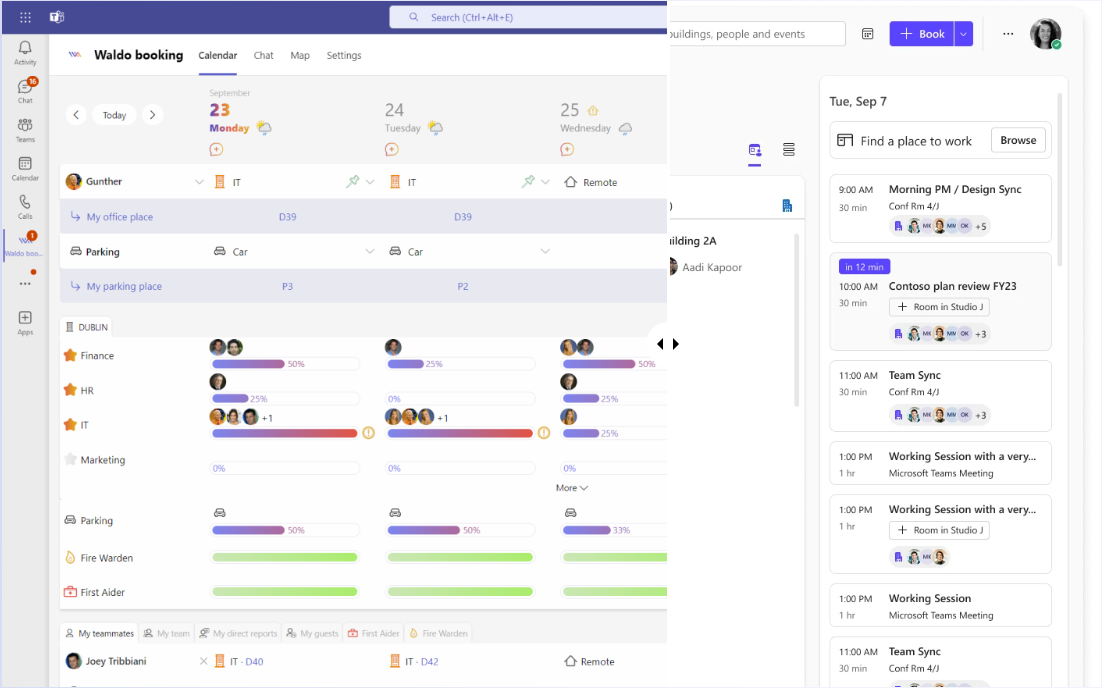
Microsoft Places or Waldo? Licensing, pricing, desk and parking booking, APIs and Microsoft 365 integration compared side by side.

Discover in a few minutes how Waldo makes your office truly flexible, right inside Microsoft Teams.
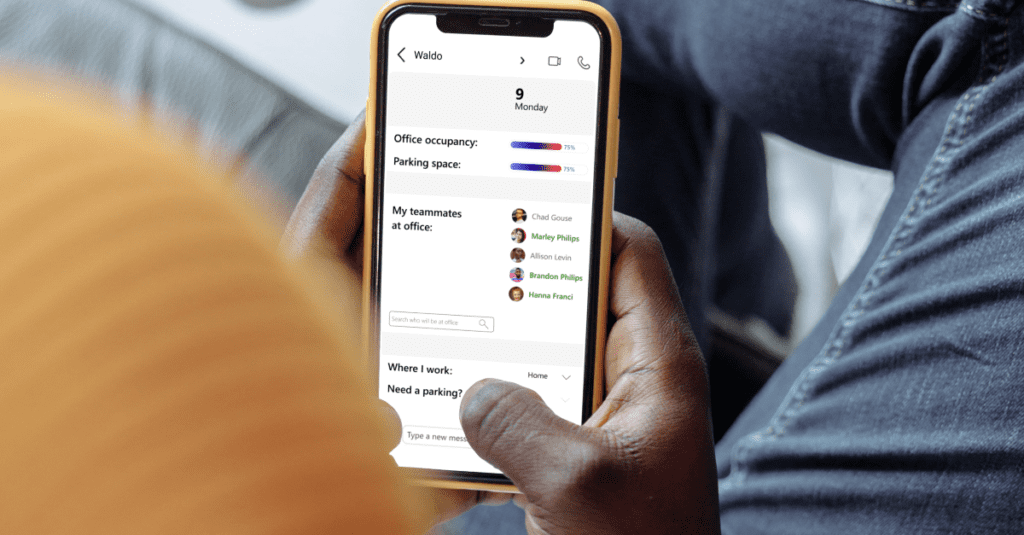
Swap your shared WFH spreadsheet for automatic policies: office day rules and maximum occupation per area, right in Microsoft Teams.
Get a personalised 45-minute demo, or install the free version in Microsoft Teams in two minutes.