Microsoft Places vs Waldo: the complete comparison
Microsoft Places or Waldo? Licensing, pricing, desk and parking booking, APIs and Microsoft 365 integration compared side by side.

Desk sharing
A flex office saves space and money, but shared spaces bring their own distractions. Here is how to balance flexibility and focus, for employers and employees alike.

Distractions are part of working life. In a flex office, they often come from other people sharing the space, a schedule and environment that change from day to day, or simply stress and fatigue.
Flexible and co-working spaces can save employers time and money. But because they are shared, they need extra effort to protect productivity. Here is how to balance flexibility against the usual hurdles.
For employers, the flex office is a great way to maximise desk utilisation and get a return on office space. Rent, utilities and supplies can even be offset by leasing space to third-party businesses or contractors.
The flip side: many people with different jobs share the same space. Without the right measures, things get messy. A few things to plan for:
Flex offices are always on the move. You may be on the ground floor one day and on the third floor the next. This uncertainty can be distracting, and even stressful for some: Business News Daily reported in 2021 that change in the workplace is a major source of employee stress. People also lose the chance to personalise their desk.
Employers can reduce that stress with desk booking software that finds the best desk for each person. That is why we created Waldo. It learns your teams, your usual office days and your favourite spots, so you stay close to your team, get a comfortable place to work and align schedules easily. It all happens automatically in Microsoft Teams. Learn more about desk booking with Waldo.
Flex offices welcome third-party businesses and contractors, so they need parking for these guests as well as clear rules for permanent staff. Without them, reception staff get interrupted by complaints, and employees waste time waiting for a space, or give up and work from home. That is an entirely avoidable waste of time.
You don't necessarily need more parking spaces, just solid parking reservation software. Waldo maps your car park and creates bookable spaces for internal and external users. You can reserve spaces for guests, and if someone's spot is taken, Waldo finds a space in the backup pool. No more "someone parked in my spot!" See parking management with Waldo.
Flex offices can be a double-edged sword. For extroverts, they are vibrant, social places. A 2018 Sharedspace article reported that up to 90% of millennial respondents love the personal connections they build in shared workspaces.
Introverts may feel the opposite: the noise, the constant interruptions, the feeling of being watched. The right flex office depends on your people. The best approach is to cater to both, with open spaces and more private areas. With Waldo, you can designate specific seats and zones, for example:
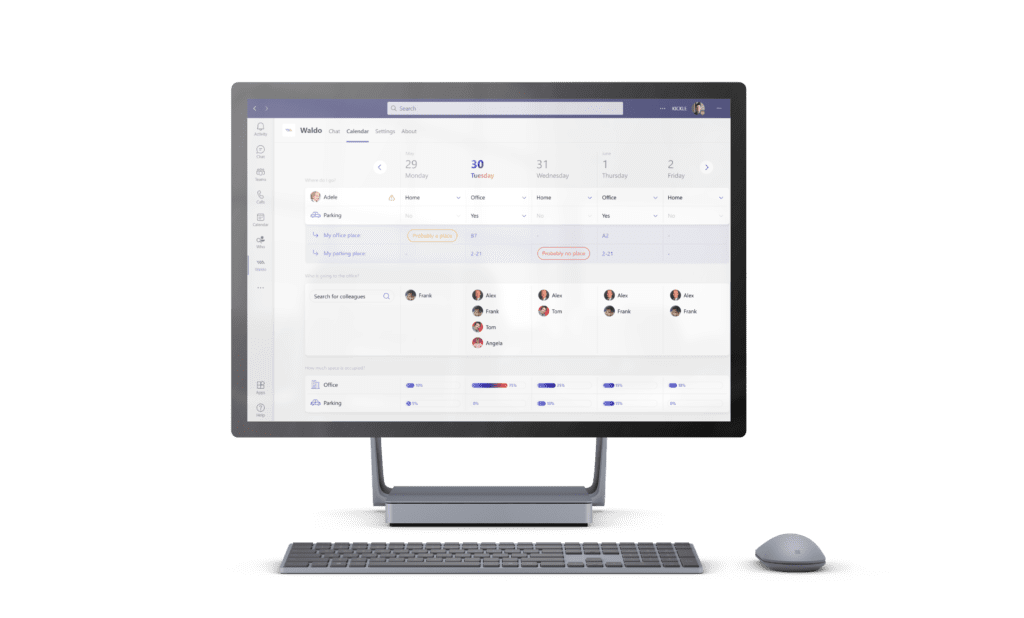
A flex office helps offset costs and maximise office use, and with the right tool it is perfectly manageable. Waldo is flex office software that helps small and large companies plan their offices, coordinate hybrid teams, manage desk use and reassign workspaces so internal and external users can work in harmony.
Wondering how to get started? Try Waldo's free version, explore the flex office features, or book a demo.
Book a desk that suits the task, close to your team, and use quiet zones for focused work. Employers can help by defining quiet and open areas and giving people a booking tool that finds the right desk for them.
Changing desks and environments every day creates uncertainty, and people lose their personal space. Helping employees find a familiar spot near their team reduces that stress.
Designate quiet and loud zones according to job roles, and plan space for phone calls. In Waldo, you can label specific seats and zones so people book the right environment.
Not necessarily. A parking reservation system, with guest spaces and a backup pool, often solves the problem without building more spaces. See parking management.
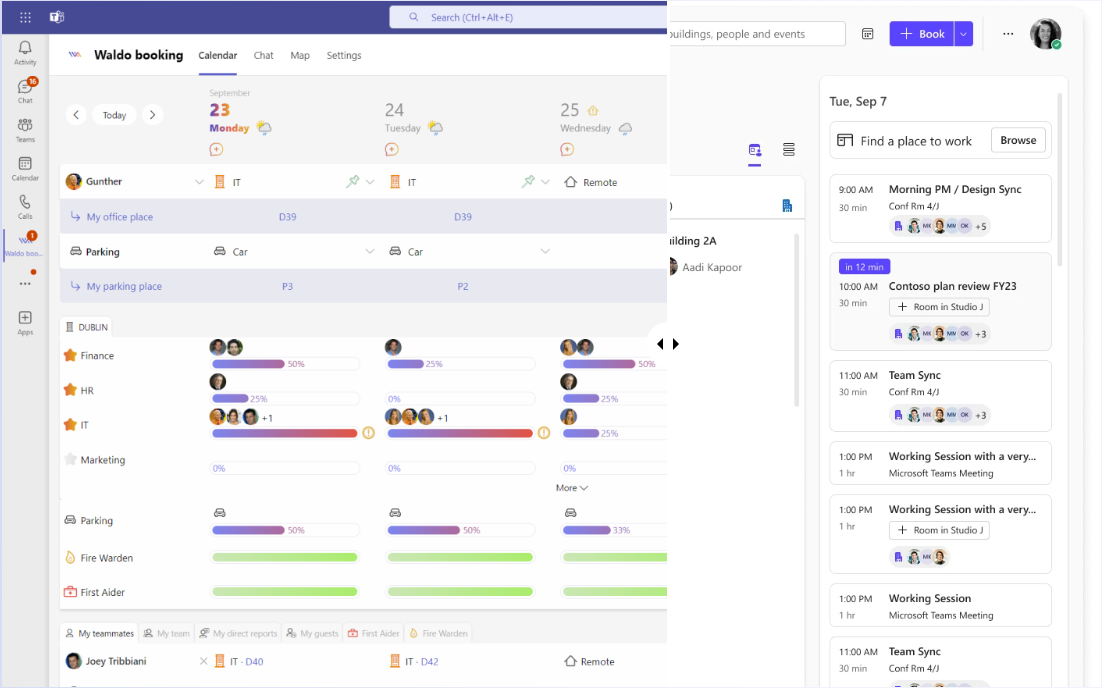
Microsoft Places or Waldo? Licensing, pricing, desk and parking booking, APIs and Microsoft 365 integration compared side by side.

Discover in a few minutes how Waldo makes your office truly flexible, right inside Microsoft Teams.
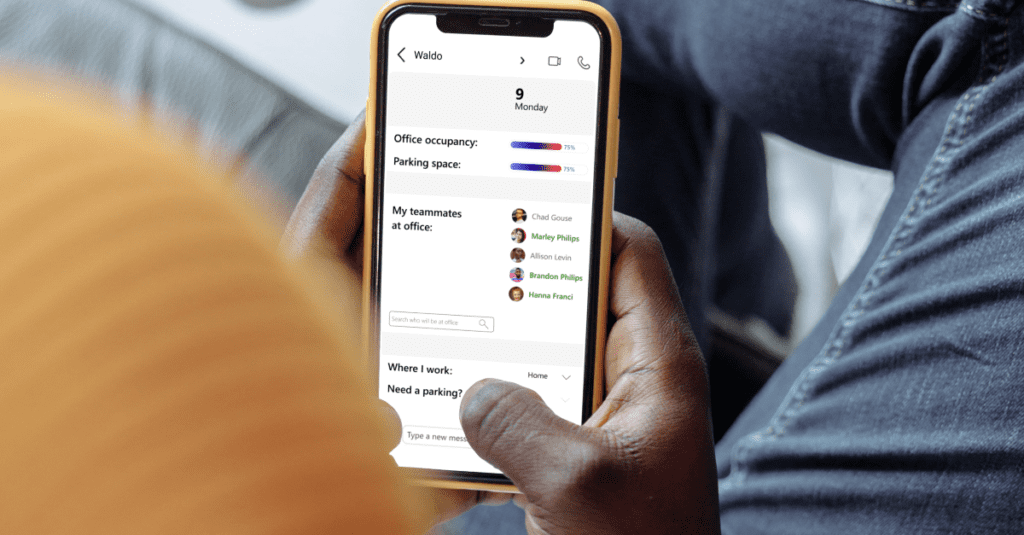
Swap your shared WFH spreadsheet for automatic policies: office day rules and maximum occupation per area, right in Microsoft Teams.
Get a personalised 45-minute demo, or install the free version in Microsoft Teams in two minutes.