 Try Waldo for free

A good starting point
Weekly work plan, room and desk pool booking, Places Finder: included in most Microsoft 365 licences since April 2026.

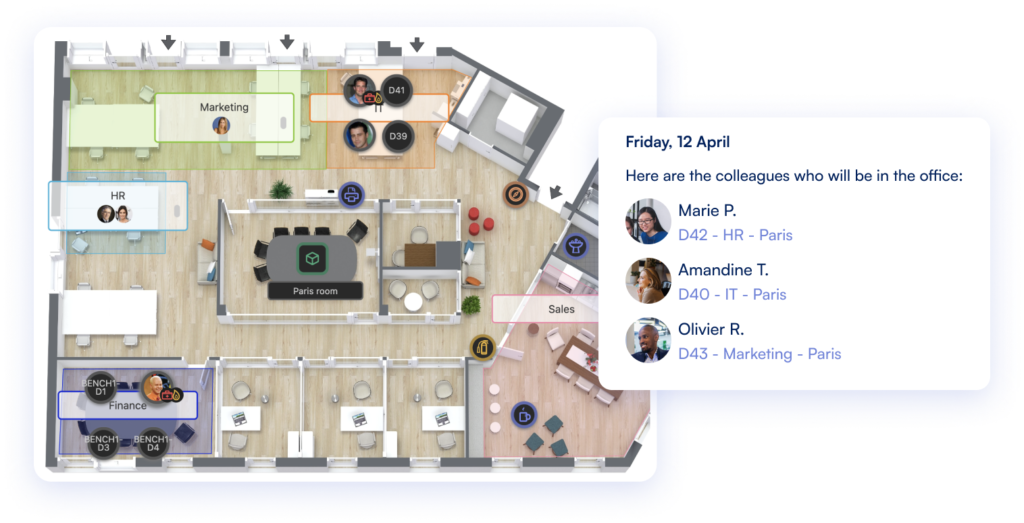
Desks, rooms and parking in Teams, with your floor plans included.
Microsoft Places in 2026
Places is included in most Microsoft 365 licences for the essentials. For the rest, expect per-space licences, technical floor plans and a few blind spots.
Weekly work plan, room and desk pool booking, Places Finder: included in most Microsoft 365 licences since April 2026.
Booking a specific desk, auto-releasing a desk or tracking occupancy requires a Microsoft Teams Shared Space licence, per space.
No built-in editor: Microsoft recommends working with a partner, and redoing the floor plan every time you reorganise.
The portal covers the essentials; multi-building deployments still go through PowerShell.
No space booking, no waiting lists, no work-from-home rules: when it's full, first come, first served.
The comparison
Comparison based on Microsoft documentation (2026 licensing). The detailed, feature-by-feature comparison is on our Microsoft Places vs Waldo page.
Why Waldo
Car, electric, two-wheeler, accessible: waiting lists, fair rotation and backup spaces, in the same conversation.
Send a PDF or a sketch: our team draws your floors in 2D+ and keeps them up to date. It's included.
Waldo learns everyone's habits and books the right desk, close to the team. Everyone stays free to change it.
Priorities, waiting lists and work-from-home rules keep sharing calm when demand exceeds supply.
€30 per user per year, floor plans included. You budget by headcount, not by desks.
45 minutes on your own floor plans, with a team that knows facilities management.
No need to choose
Your buildings don't all have the same needs. Waldo adapts to that split, without changing tools for your teams.
NewPersonalised onboarding
On their first visit, everyone is walked through Waldo step by step in Microsoft Teams: their teammates, favourite desk, equipment, parking and weekly rhythm. In two minutes, Waldo knows how to help, and adoption follows.
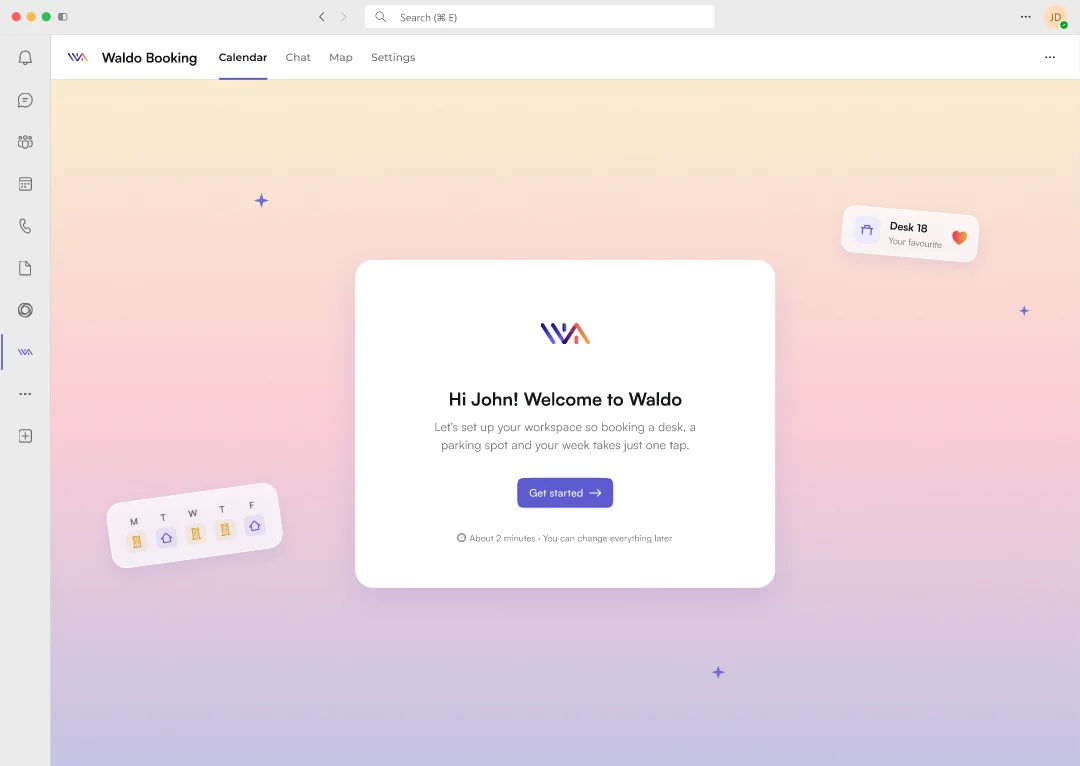
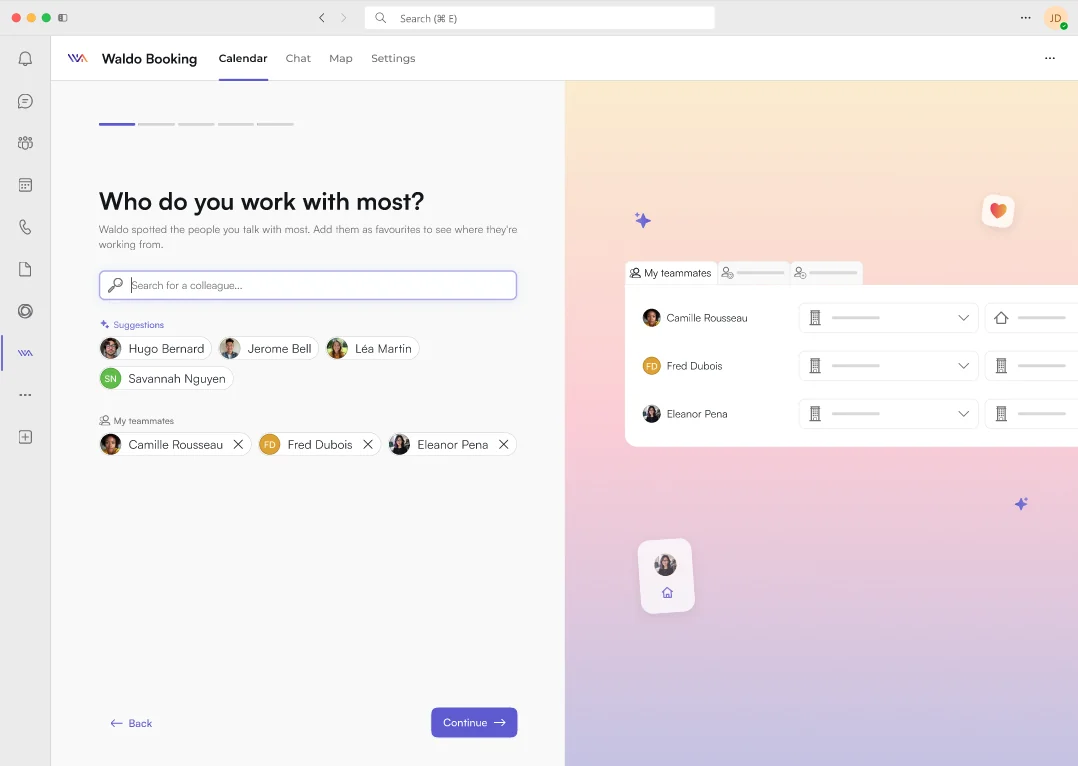
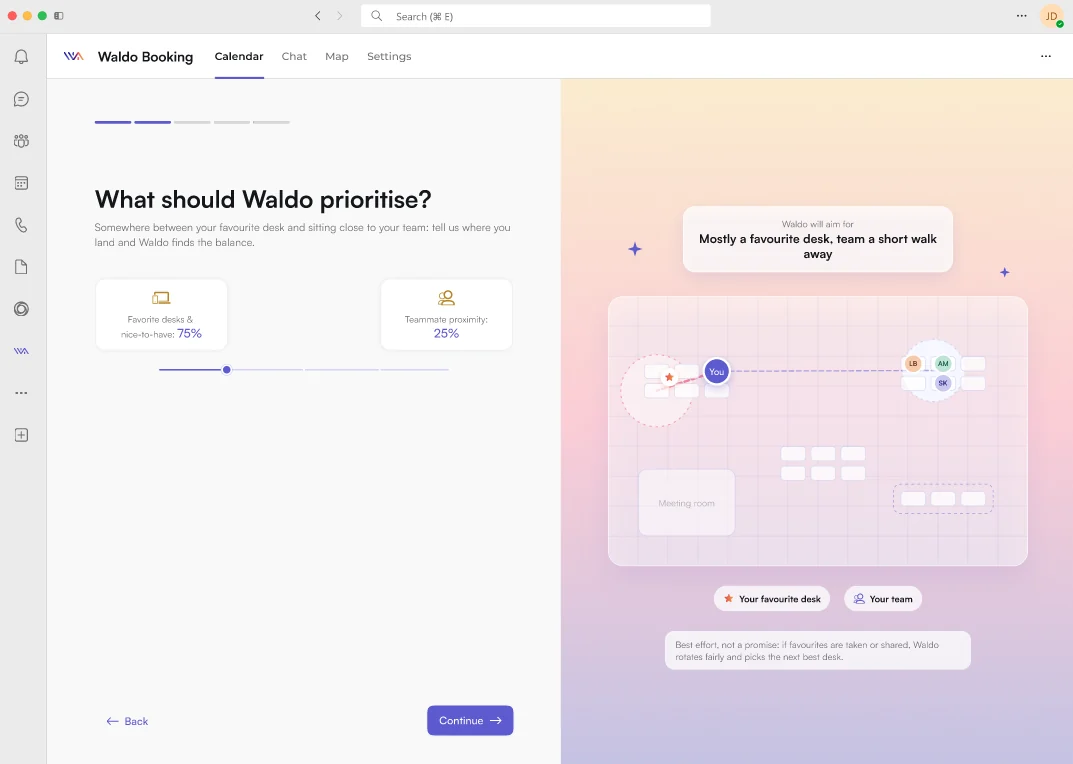
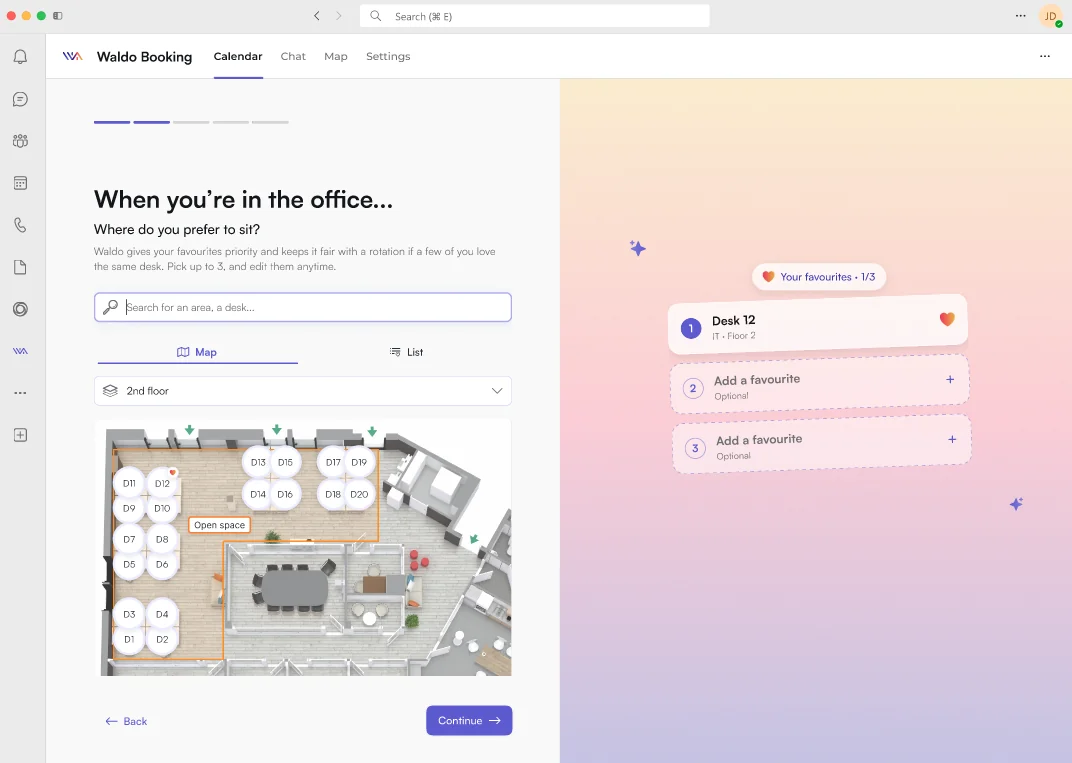
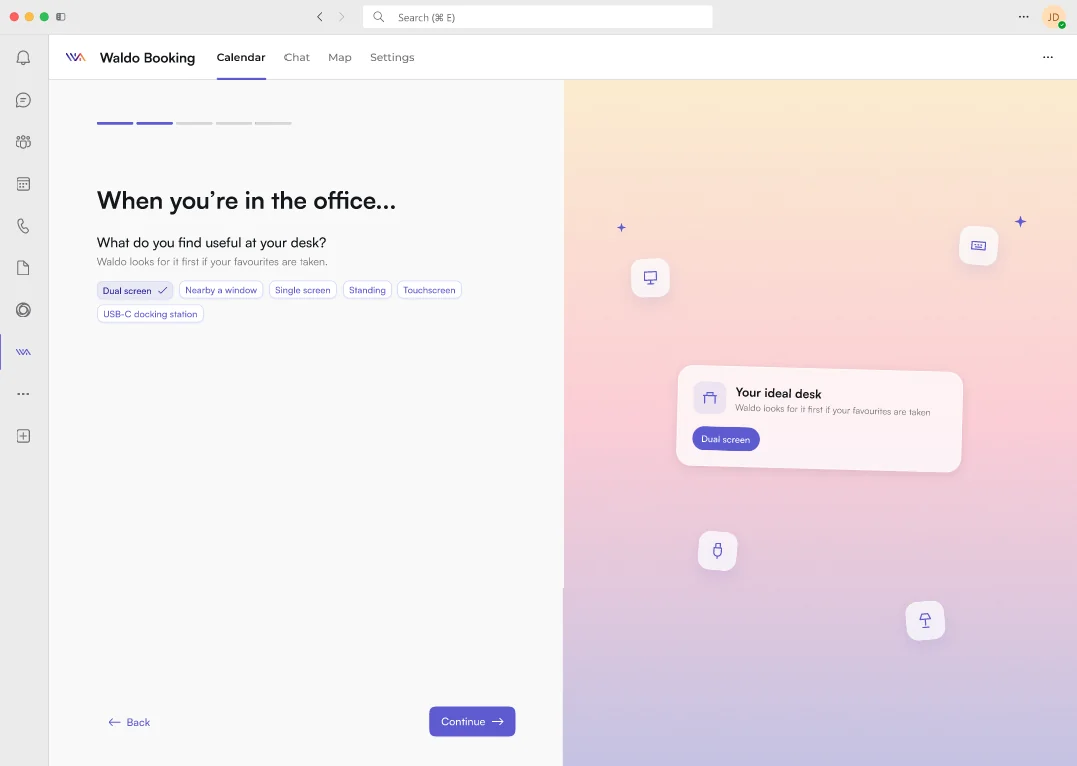
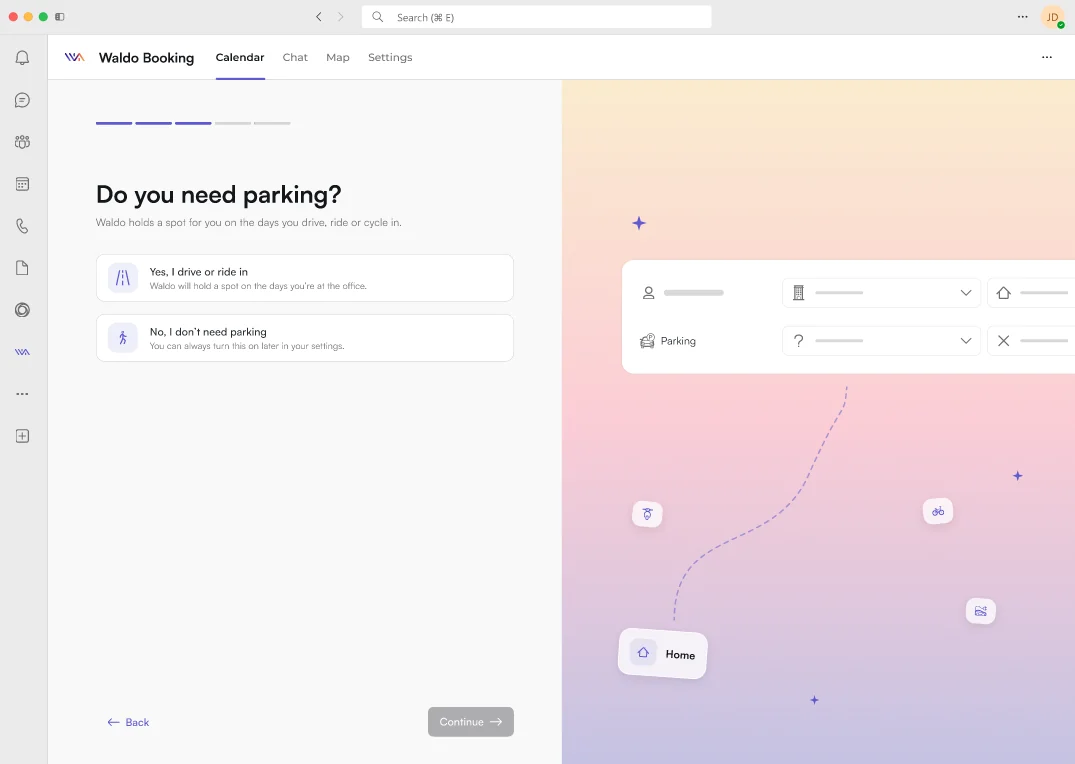
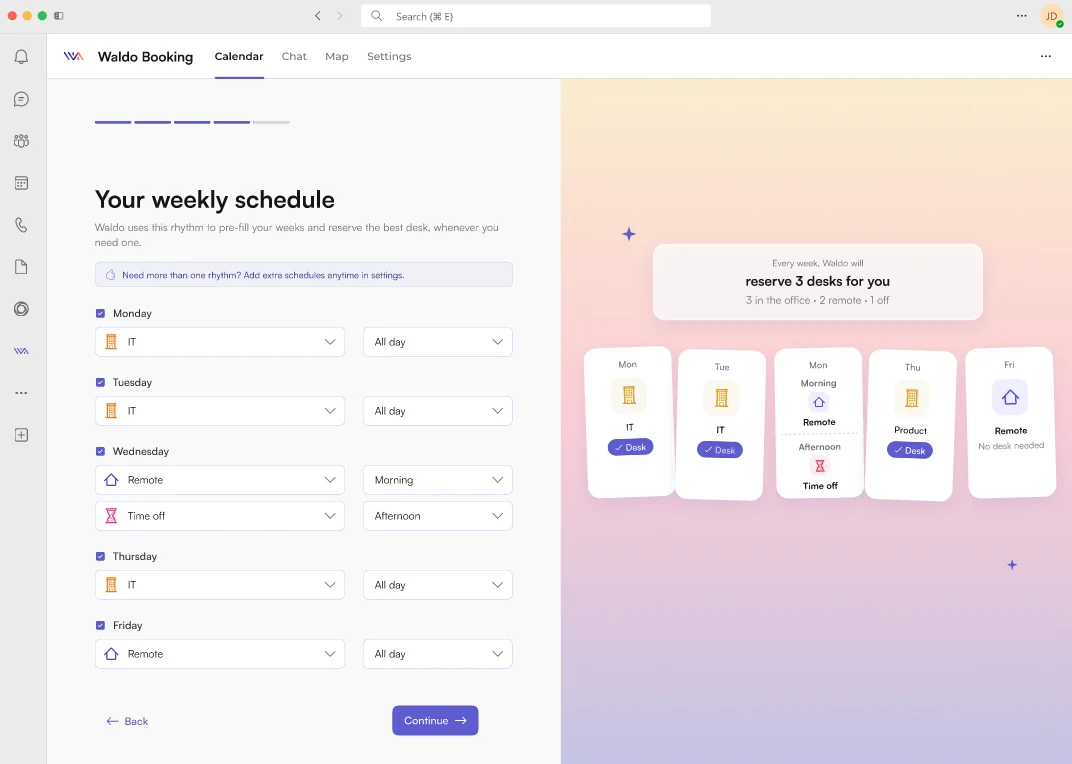
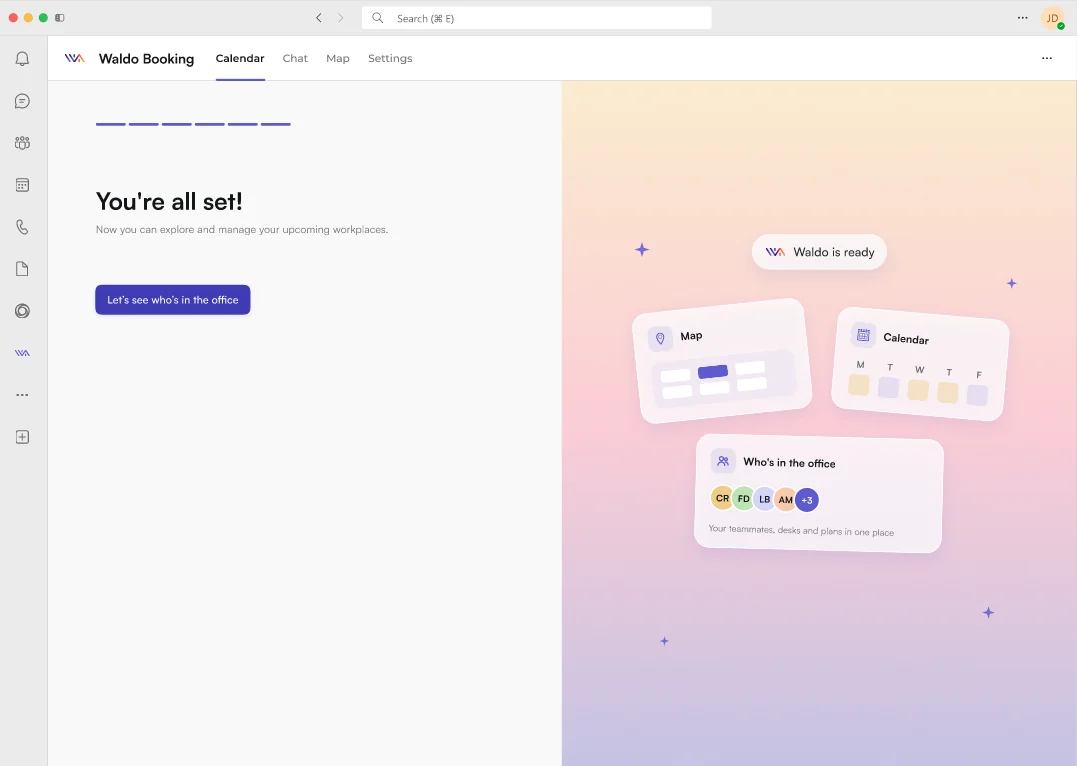
About 2 minutes · everything can be changed later
Put it to the test
Add Waldo to Microsoft Teams alongside Places and compare on your own office.
Full version at €30 per user per year, floor plans included.
Compare with Places in a demo →Because Places does not handle parking, offers neither waiting lists nor work-from-home rules, and charges for specific desk booking per space through the Microsoft Teams Shared Space licence. Its floor plans also require IMDF files, often produced by a partner.
Partly. Since April 2026, work plans, room and desk pool booking and Places Finder are included in most Microsoft 365 licences. Specific desk booking, auto-release and occupancy reports require a Microsoft Teams Shared Space licence.
Yes. You can equip your busiest buildings with the full version of Waldo, and use the free version of Waldo with Microsoft Places on sites with no space issues and no need for floor plans.
Yes, with the full version: car, electric, two-wheeler and accessible spaces, waiting lists and backup spaces. Microsoft Places does not offer parking booking. See Waldo parking booking.
The free version of Waldo is free forever. The full version costs €30 per user per year, floor plans drawn by our team included. Places charges for its advanced features per space, through the Microsoft Teams Shared Space licence. Details on our pricing page.
45 minutes, in English or French, to compare with Microsoft Places on your buildings.